Turn any Google Drive folder into a beautiful client gallery.Ready in 60 seconds.
The cleanest Google Drive to gallery workflow for working photographers. Clients view, favorite and download full-resolution images without re-uploading a single file or paying for extra cloud storage.
How to turn Google Drive into a galleryin three effortless steps.
Turn a Google Drive folder into a photo gallery you are proud to put your name on — without moving a single gigabyte.

Share your Drive folder
Keep your finished edits right where they live. Set your folder access to "Anyone with the link" — no exporting copies or double uploads.
Paste the link
Drop the URL into our Google Drive folder to gallery converter. Subfolders become clean sections and fast thumbnails are generated automatically.

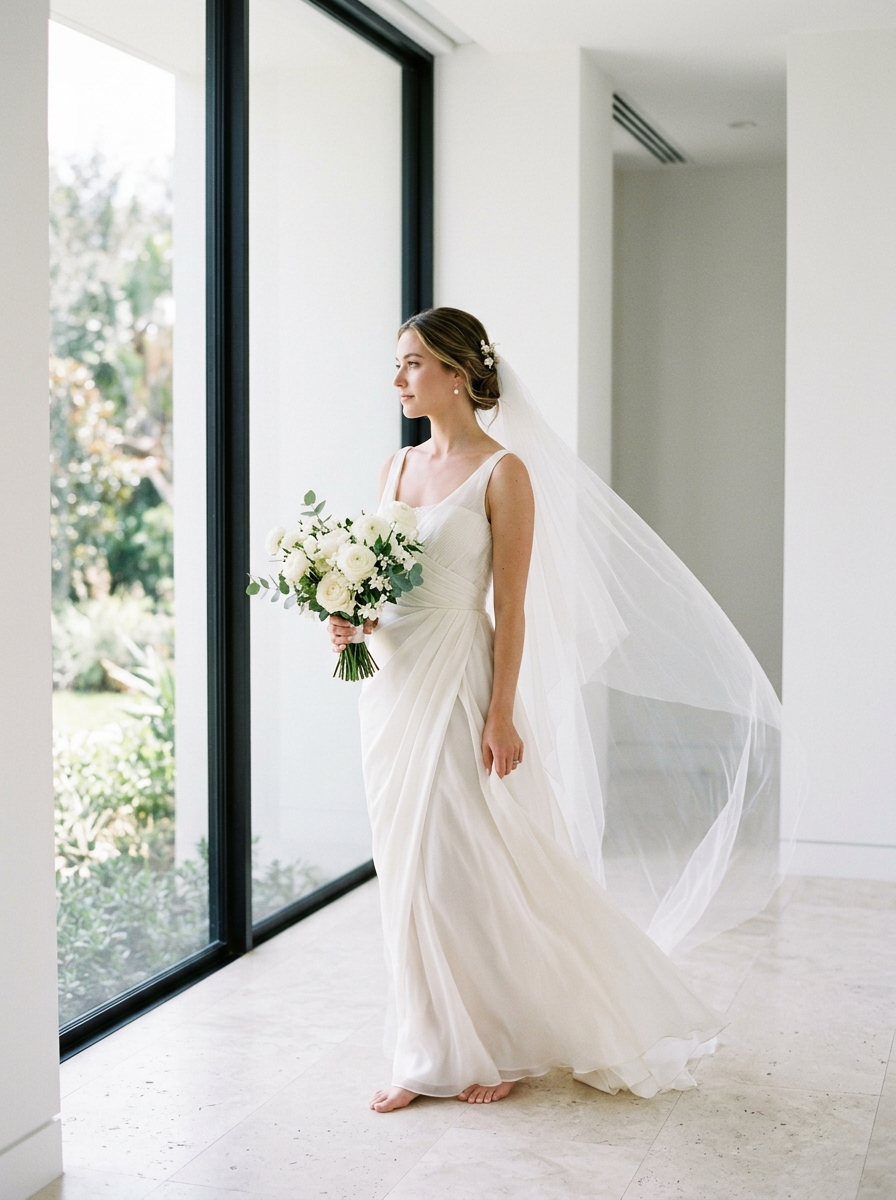

Send your Google Drive gallery link
Deliver a clean, mobile-ready page where clients browse, mark favorites, and download originals — with zero Google account prompts.
A Google Drive foldervs. a real client gallery.
Drag the slider to compare a raw Drive link against turning a Google Drive folder into a website crafted for photography delivery.
After · Google Drive folder to photo gallery
Clara & Owen — Autumn Wedding



Before · Raw Google Drive link
My Drive > Clients > 2026_10_Smith_FINAL_v2
No Google login wall
Clients tap your link on iPhone or desktop and start viewing immediately.
No raw file lists
Replace cold spreadsheets of DSC filenames with clean, edge-to-edge photography.
Fast CDN thumbnails
Display-sized previews load instantly while originals stay untouched in Drive.
Everything you need to deliverfrom Google Drive to client gallery.
A focused Google Drive to gallery platform built around real client delivery — from proofing favorites to instant full-resolution downloads.
Clara Meyer · 5 favorites submitted
 Ready for Lightroom filter bar
Client favorites & Lightroom filename export
Create a client gallery from Google Drive where clients heart their picks with just a name and email. When they submit, you get an email alert and copy their exact filenames into Adobe Lightroom in one click — no more screenshots or text messages.
Automatic sections from Drive subfolders
Already organized your shoot into folders like Ceremony, Portraits, and Reception? When you create a photo gallery from a Google Drive folder, every first-level subfolder becomes a navigable section automatically, sorted in natural filename order.
Drive subfolders → Gallery sectionsPro plan · Toggle downloads on or off per gallery
Password protection & direct original downloads
Simple Google Drive gallery sharing with the controls photographers expect. Lock any Google Drive gallery for clients with a password, hide download buttons during proofing, or let clients pull full-resolution originals straight from Drive.
One-click resync when your folder changes
Need to swap a retouched edit or add bonus frames? Drop them into your Drive folder and hit Resync. Create a shareable gallery from Google Drive once, and keep the same link forever without re-sending anything to your client.
Folder changes detected
+12 new · 3 updated · 1 removed
One Google Drive to gallery toolfor every kind of shoot.

A Google Drive gallery for photographers who own their storage
Stop paying double for cloud storage. Keep your archive in Google Drive and use a fast Google Drive to photo gallery workflow that delivers crisp, responsive client galleries on every shoot.
- Turn any Google Drive folder into a client gallery in under a minute
- Export client favorite filenames directly for Lightroom culling
Why use a Google Drive gallery generator?
A dedicated Google Drive gallery builder gives you the polish of a client portal without paying twice for storage. Compare a raw Drive link, traditional storage-billed platforms, and our Google Drive to gallery creator.
| Capability | Raw Drive Link | Storage-Billed SaaS | GalleryLink |
|---|---|---|---|
| No re-uploading | |||
| Editorial client presentation | |||
| Client favorites & Lightroom export | |||
| No per-GB storage markup | |||
| Typical cost | Free | $15–50/mo | Free / $9/mo |
Flat pricing.Keep your Google Drive storage.
Start free on a real shoot. Upgrade only when you need unlimited galleries and password protection.
$0forever
Test our Google Drive gallery maker on a full client shoot.
- 1 active client gallery
- Up to 300 photos per gallery
- Client favorites & Lightroom filename export
- Direct full-resolution downloads
$79/ year
For working photographers delivering every client gallery from Google Drive.
- Unlimited client galleries
- Up to 2,000 photos per gallery
- Daily automatic Drive sync
- Password protection per gallery
- No GalleryLink branding
- Client favorites & Lightroom filename export
Google Drive to galleryQuestions & answers.
Straight answers on permissions, downloads, syncing, and pricing.
Set your Google Drive folder sharing to "Anyone with the link can view", copy the folder URL, and paste it into GalleryLink. Our Google Drive photo gallery generator reads your images, creates sections from subfolders, and builds a fast shareable gallery in about a minute.
Convert your Google Drive folder to a gallery now
Paste any shared folder link to start your Google Drive to gallery delivery — free for your first shoot, no credit card required.